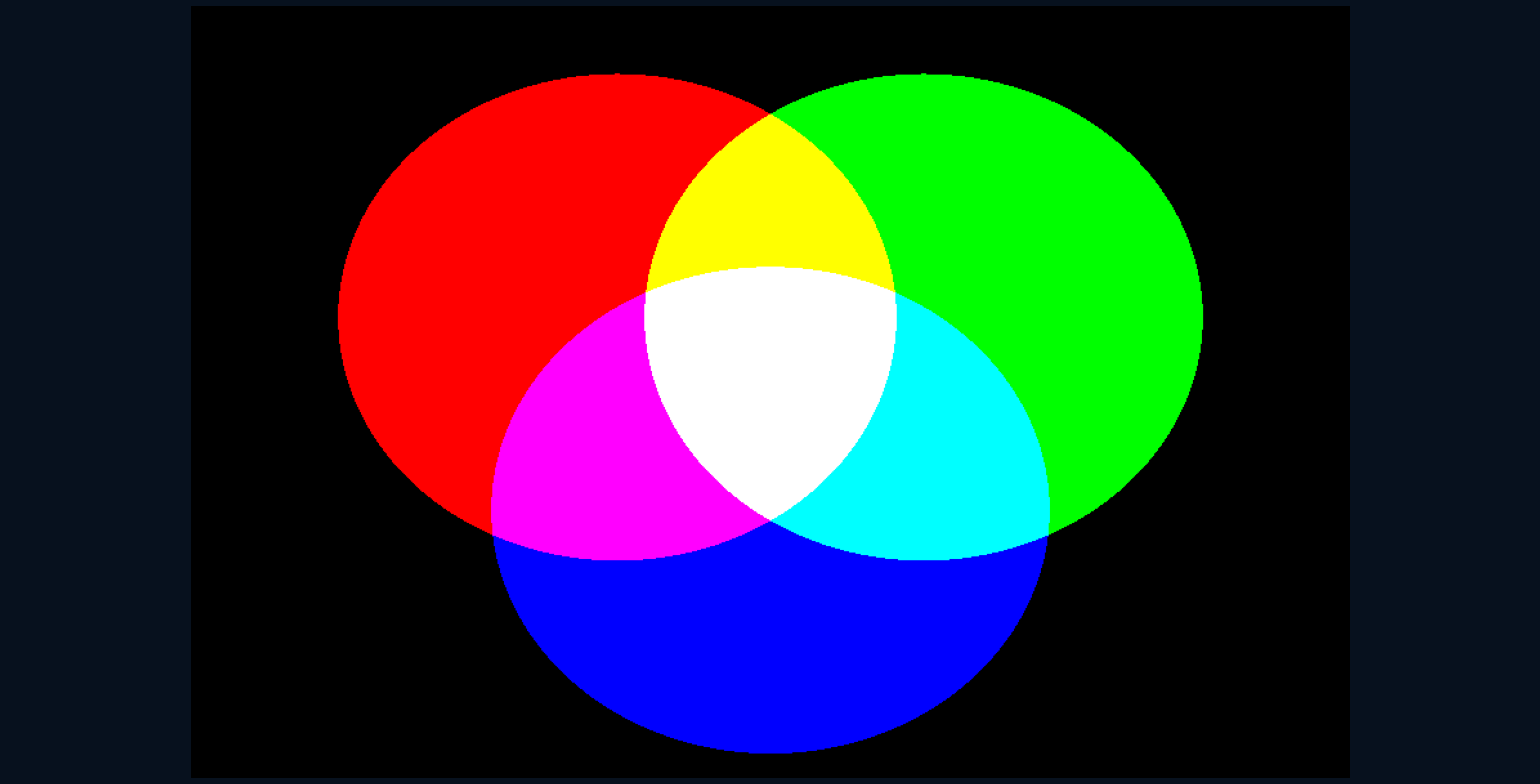
Where does a yellow pixel come from if the screen has no yellow light source?
Bring a magnifying glass close to some displays and the photograph dissolves into tiny coloured elements. Step back and the separate lights become a single picture again. Red, green and blue are doing coordinated work, creating a range of appearances without reproducing every wavelength that came from the original scene.
A colour match is not a spectral copy.
Light adds before the eye judges
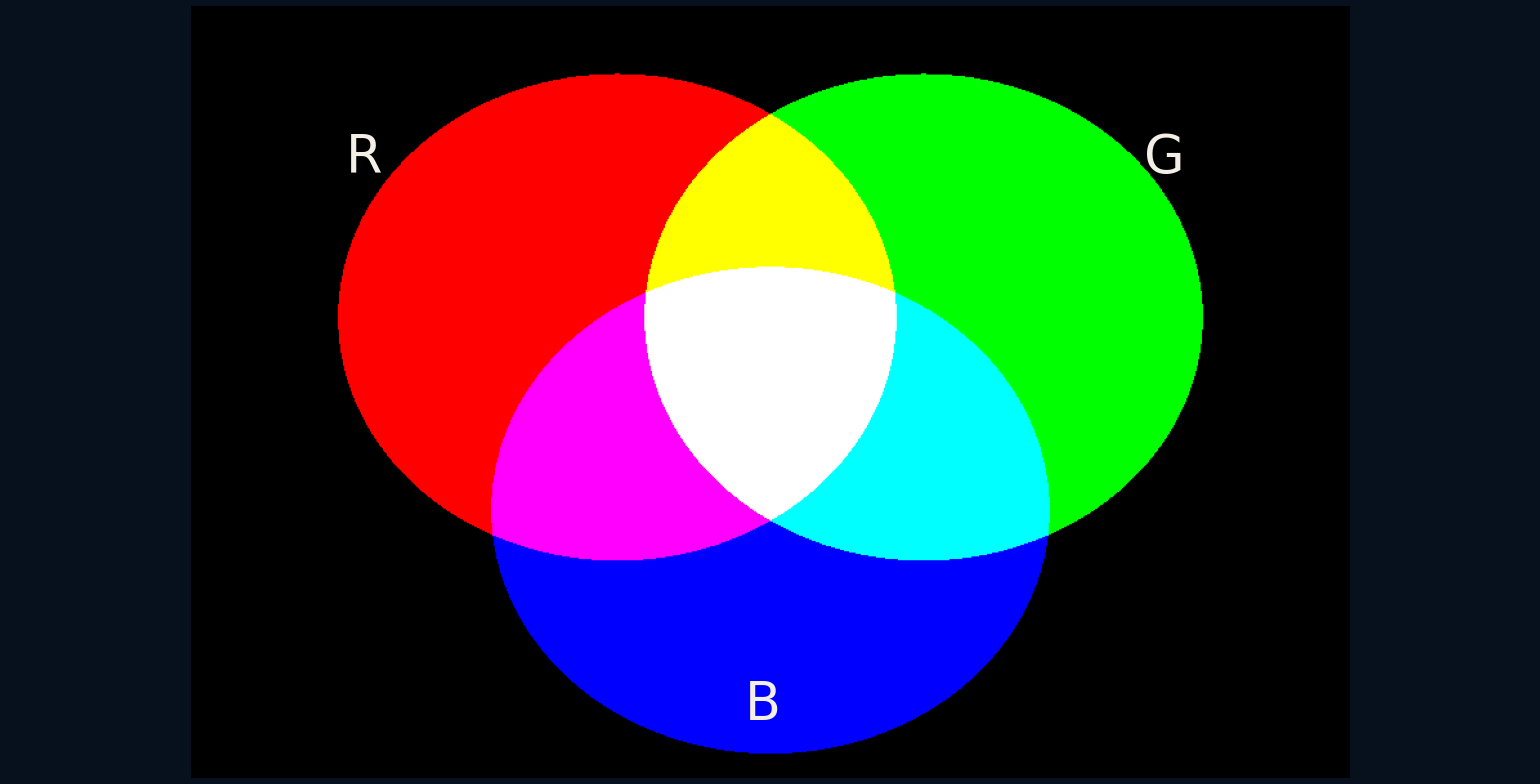
In the illustration, red and green overlap to make the displayed yellow; green and blue make cyan; blue and red make magenta. All three at their chosen full values make the reference white. This is additive mixing: contributions of light are combined, rather than pigments competing to absorb parts of an incoming beam.
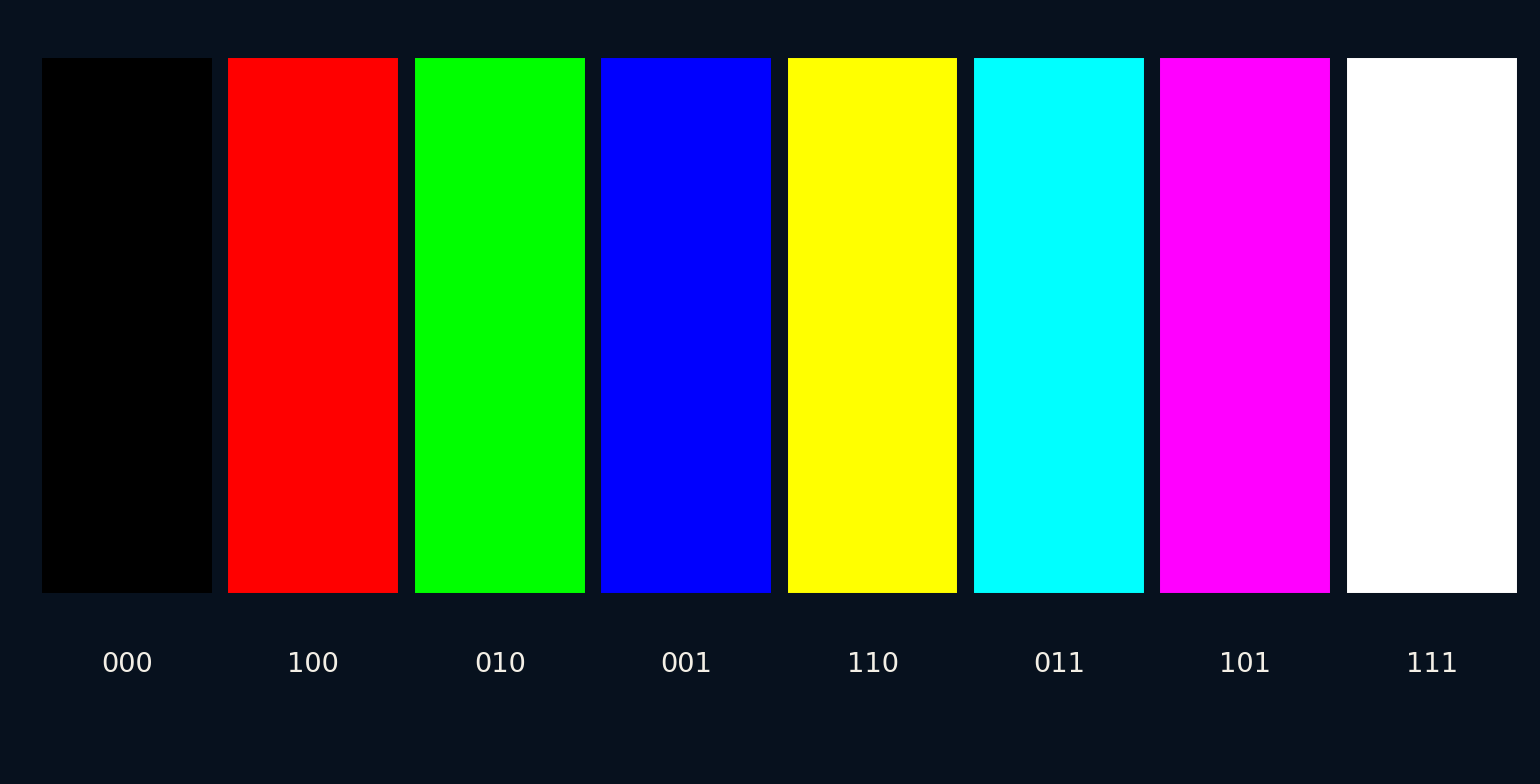
The circles are deliberately simple. Each channel is either fully on or off, so the overlap pattern contains eight combinations including black. Real image channels can take intermediate values. Adjusting their relative strengths moves through a much larger set of colours, although the display's chosen primaries still determine its available range.
Three channels suit a particular observer
Typical human colour vision begins with three classes of cone photoreceptors, whose responses overlap across wavelength. Different spectra can produce sufficiently similar cone responses to look alike under particular conditions. Such matches are called metamers. A screen uses this possibility to approximate many appearances with three kinds of emitted light.
This does not mean the eye has tiny red, green and blue pixels, or that everyone sees identically. The cone sensitivities are broad, colour vision varies, and perception also depends on adaptation and surroundings. RGB is a practical representation for a specified colour system, not a complete description of every observer or every viewing condition.
Sixteen million combinations need a footnote
With eight bits for each of three channels, each channel has 256 code values. Multiplying 256 by itself three times gives 16,777,216 possible triplets. Our script checks that count. It is a count of encodings, not a promise that a viewer can distinguish every neighbouring pair or that a panel produces each one accurately.
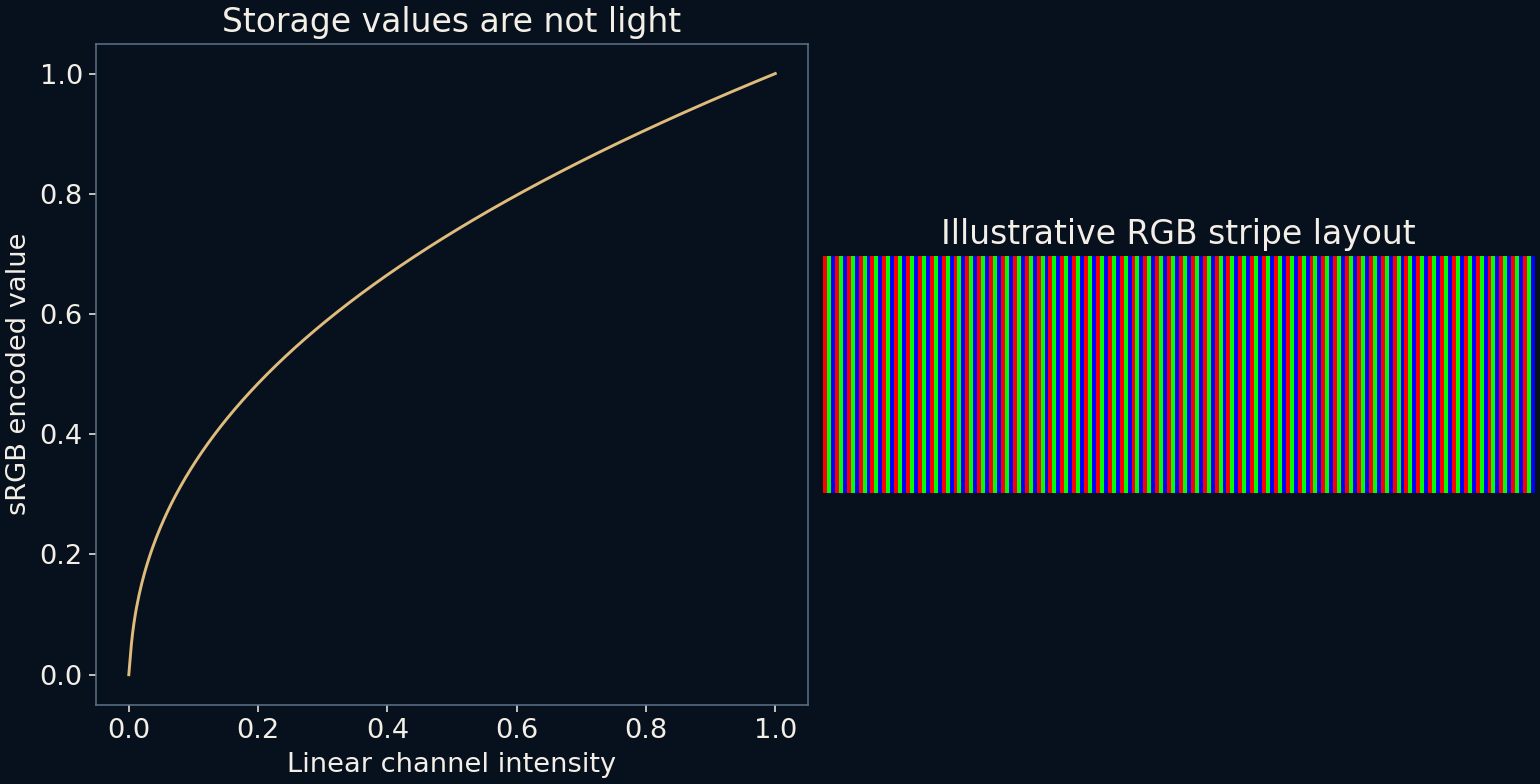
The relationship between code values and light also matters. In sRGB, an encoded value of 0.5 is not half the channel's linear intensity. Conversely, a linear value of 0.5 encodes to approximately 0.73536. The plotted transfer curve makes the difference visible. Calculations that physically add light should operate on linear values before encoding the result for display.
The tiny elements are not always stripes
The enlarged stripe drawing is an illustrative layout, not a survey of hardware. Displays can arrange their subpixels differently, and some use additional subpixel types. A pixel's apparent colour usually emerges when the eye no longer resolves its individual elements, with the viewing distance, optics and pixel density all contributing.
This spatial averaging explains why a close photograph can show colour patterns absent from a normal viewing position. Photographing a screen also introduces another sampling grid and another colour response. A photograph of subpixels therefore tells a different story from a measurement of the screen's overall colour accuracy.
A gamut is a boundary, not a quality score
The three primaries and reference white belong to a defined colour space. A colour outside a display's gamut cannot be reproduced exactly by merely turning its three channels up or down within their normal range. Software may map that colour to an available one, potentially changing its saturation, lightness or hue.
A wider gamut can represent more colours, but it does not by itself guarantee more faithful photographs. The image's intended colour space must be interpreted correctly, and the output device must be characterised well enough to reproduce it. An oversaturated picture can be vivid while being less faithful to the intended result.
The illusion works because the details cooperate
A displayed photograph asks several systems to agree: the file's numbers, their colour-space meaning, the screen's output and the viewer's circumstances. The RGB circles isolate just one part of this chain. They demonstrate additive combinations without claiming to model a particular panel, room light or person's perception.
The next time a yellow region looks like one continuous patch, remember that its apparent unity can come from neighbouring lights with different spectra. The screen does not have to recreate the original light in full. It needs to create a useful visual match within the limits of its channels and the conditions of viewing.
Further reading
W3C: CSS Color, predefined colour spaces ↗OpenStax: Color and color vision ↗Original documentation and useful background.