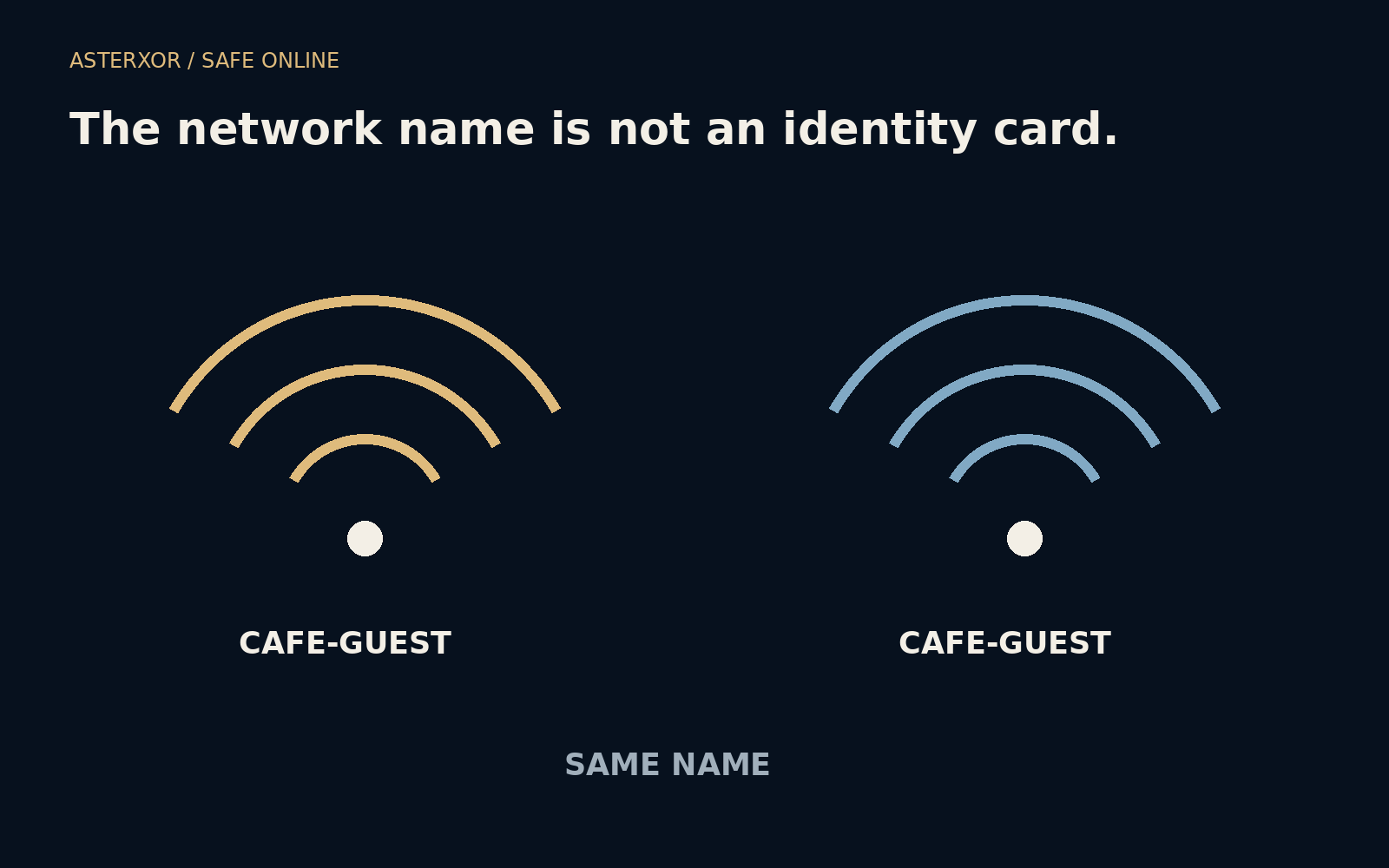
Two networks can introduce themselves with exactly the same name.
A wireless network’s displayed name is meant to help you choose it. It does not, by itself, prove who operates the equipment. A familiar café name can therefore be a clue without being a credential. Understanding that limit helps you make a calm decision about joining, logging in and carrying out a sensitive task while away from home.
Recognize the name, then verify the arrangement.
A label can be copied without copying an identity
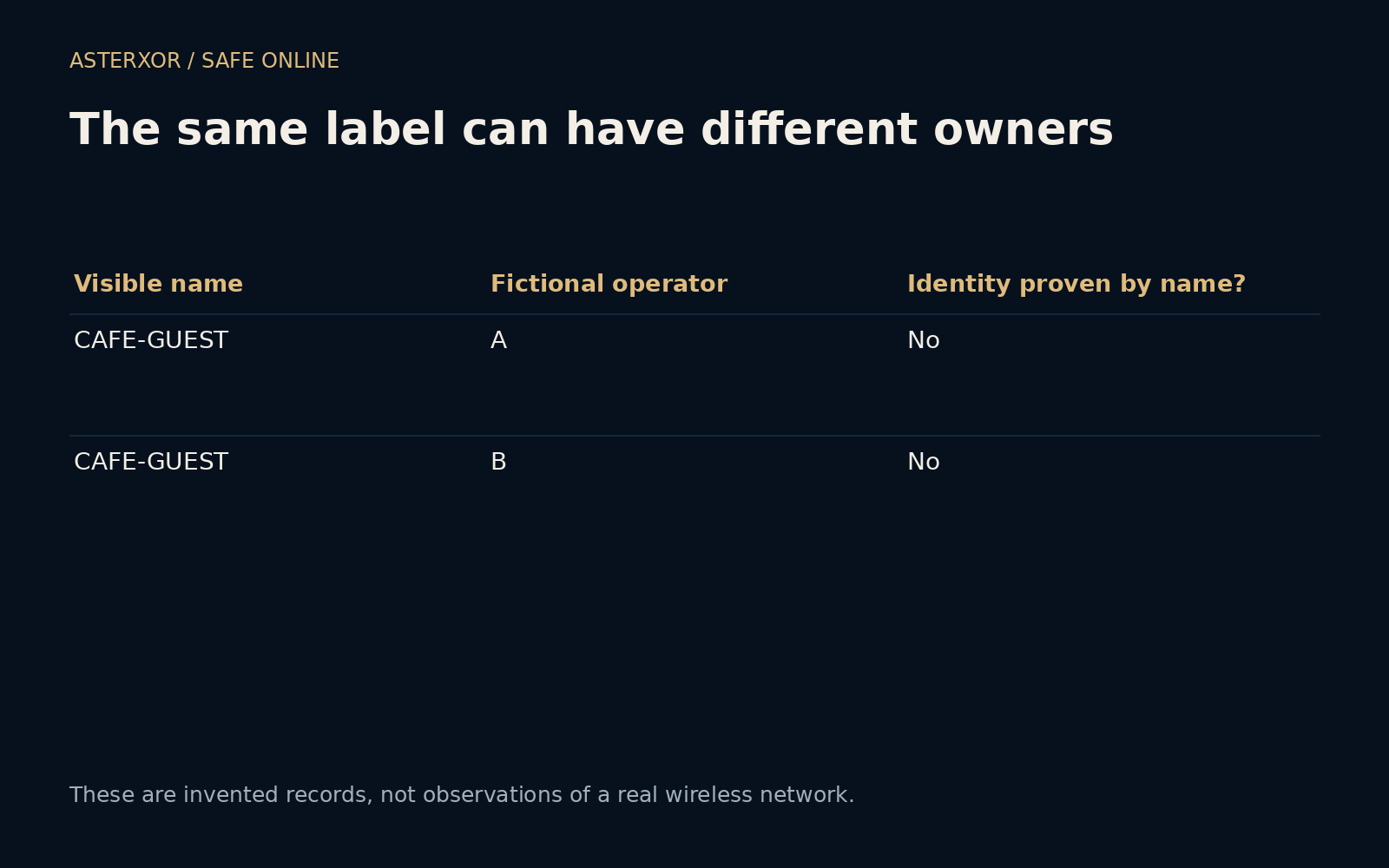
Our offline example contains two fictional network records. Both display CAFE-GUEST, but their declared operators are different. Comparing the records confirms that identical labels do not distinguish those operators. We did not scan any nearby networks, create an access point or observe a real café. The example only makes the logical weakness of name-only identification explicit.
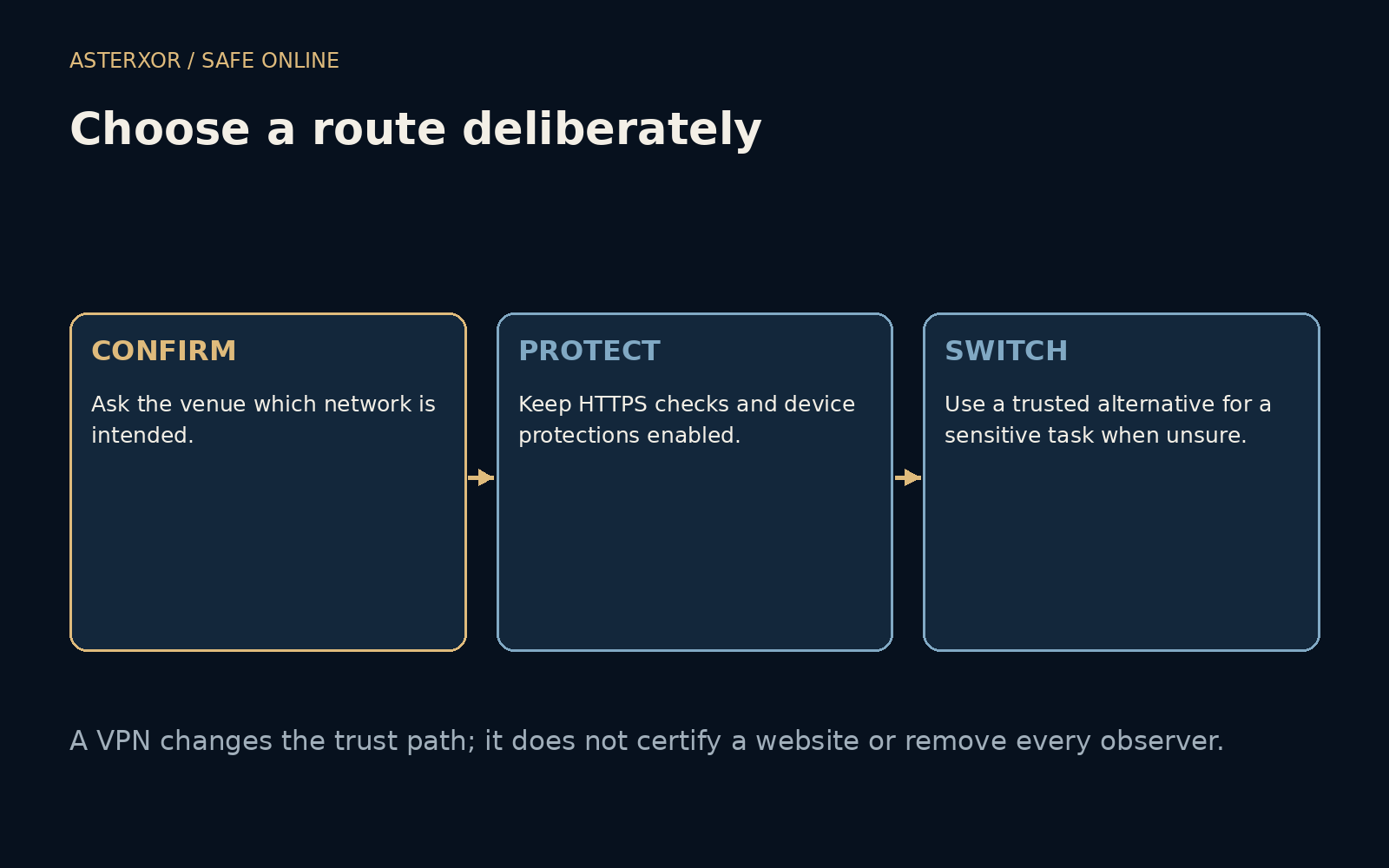
A venue’s staff or verified instructions can help identify the intended network and explain any normal sign-in process. Even then, the network is one part of the route, not the owner of every website you visit. Keep the trust questions separate: which network are you joining, which service are you visiting and what information does that service need?
HTTPS still matters on an open network
A properly validated HTTPS connection protects its application content along the network path, including over an open wireless network. The absence of a Wi-Fi password does not automatically make every HTTPS page readable to everyone nearby. At the same time, HTTPS does not hide all traffic context, and it does not protect a device that is already compromised.
Network operators can observe information such as connection timing and destination IP addresses. Name-resolution and other metadata visibility depend on configuration. Keep the browser’s certificate checks enabled, and do not bypass an unexpected security warning to make a login portal work. A reassuring network name cannot repair a connection whose identity checks are failing.
A captive portal deserves a separate look
Some venues use a portal before allowing ordinary internet access. The portal may ask you to accept terms or provide information. Consider whether the request fits the service and whether you want to share what it asks for. An unexpected request to install software, a management profile or a certificate changes the situation materially and should not be treated as routine browsing.
If the process is unclear, ask the venue or use another connection rather than improvising through warnings. A cellular connection can be a practical alternative when available, especially for a task you would rather not conduct through an unfamiliar setup. It is still important to visit the correct service and keep the device secure on that alternative path.
A VPN moves a trust boundary
A VPN can encrypt traffic between your device and the VPN endpoint, changing what the local network sees. After that endpoint, traffic continues toward its destination. Valid HTTPS remains useful because it protects the application exchange beyond the VPN tunnel too. The VPN provider becomes another party whose operation and policies matter; the tunnel does not remove the need for trust.
A VPN does not certify a shop, prevent every deceptive request or make a malicious download harmless. Nor does it necessarily hide all activity from every observer. Our conceptual table keeps HTTPS present in the VPN case and gives the portal its own decision. Four checks cover the fictional name comparison and this table’s structure, not any VPN’s performance or reliability.
Small device habits reduce avoidable exposure
Use the operating system’s appropriate public-network settings and avoid enabling unnecessary local sharing. Keep the device and browser updated. When the connection is no longer useful, review whether it should remain saved for automatic joining, following the platform’s controls. These are routine settings decisions, not evidence that the particular place you visited was hostile.
For a sensitive task, it is reasonable to wait for a connection you understand better. For an ordinary task on a verified HTTPS site, it is also useful to know that transport protection continues to do real work. The goal is neither panic nor blind reassurance. It is to make the network, endpoint and action separate enough that each can be judged sensibly.
Further reading
FTC: Are public Wi-Fi networks safe? ↗MDN: Transport Layer Security ↗Original documentation and useful background.