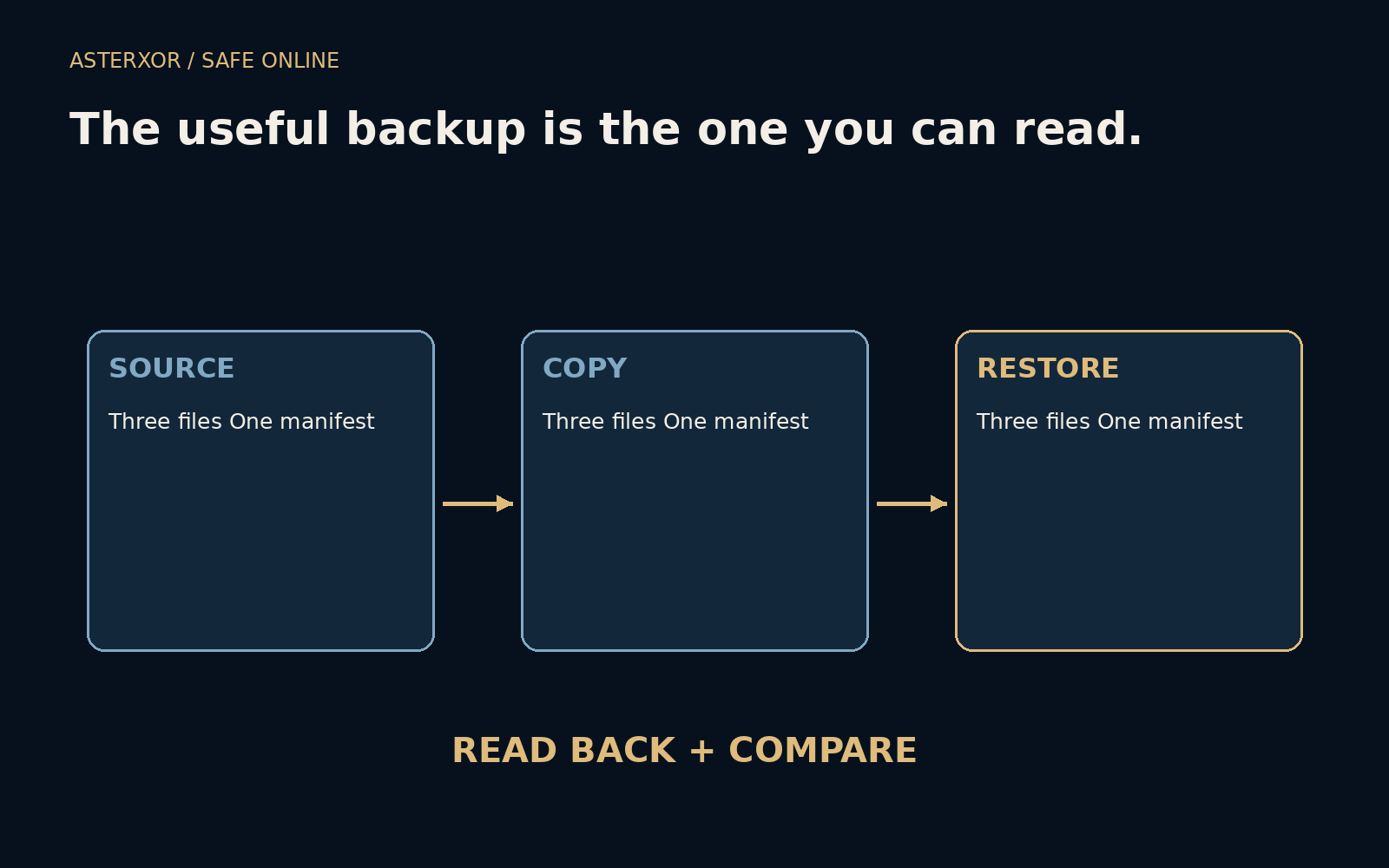
A successful copy message is not the same thing as a usable recovery.
Backups often sit quietly until a stressful day makes them urgent. That is a poor time to discover that the wrong folder was selected, the needed version is missing or the software cannot open the result. A small rehearsal moves some of that uncertainty into an ordinary afternoon. It should protect the working files while testing the route back.
Read the return journey before you need it.
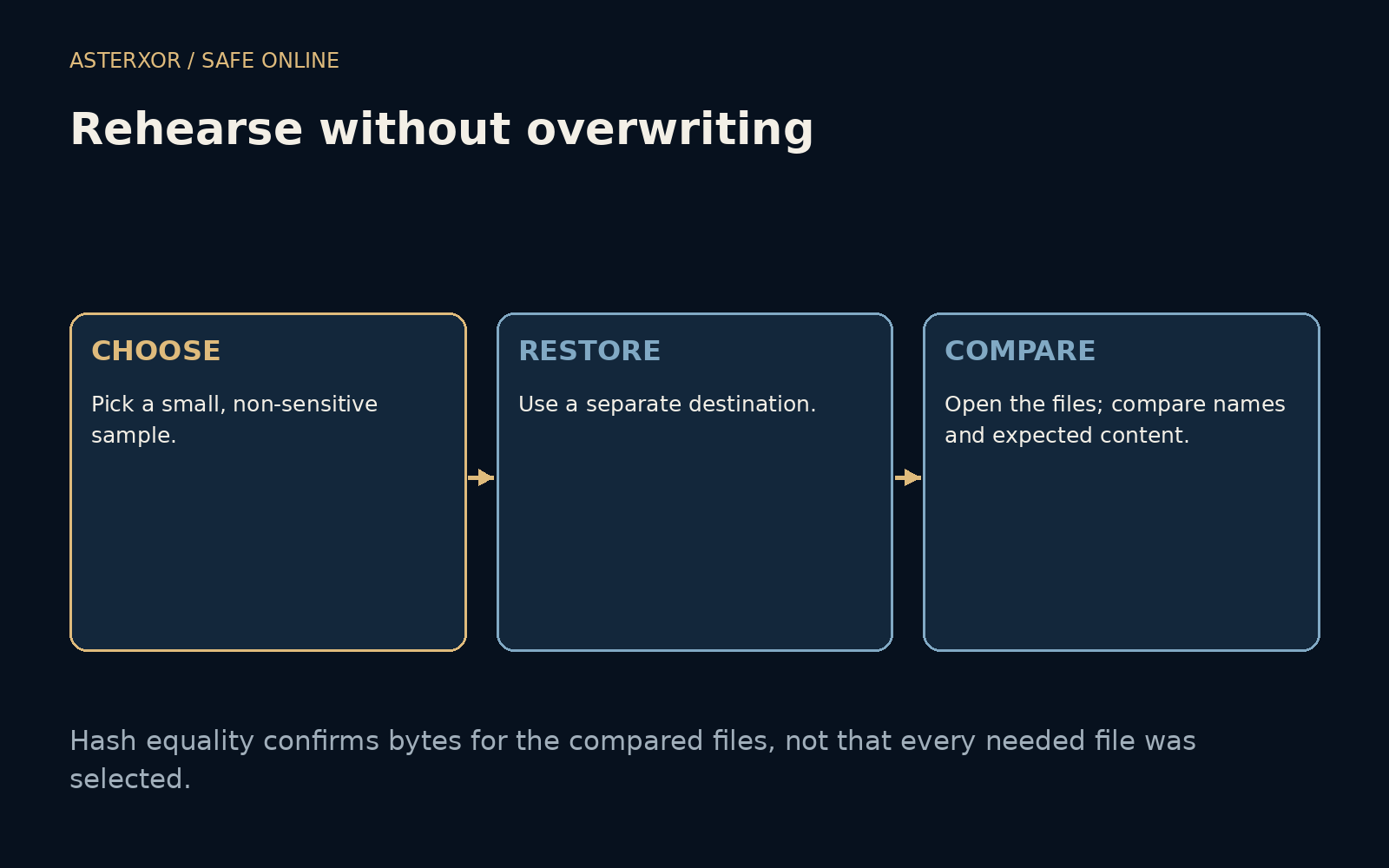
Choose a sample that can teach you something
Our local rehearsal creates three invented files: a short text note, a two-row CSV and a small SVG drawing. They contain no personal information. The script copies them to a backup directory and then to a different restore directory. The source remains in place. Separate destinations make a teaching exercise reversible and avoid turning verification into a destructive replacement.
These formats represent text, structured rows and a graphic, but they are not an entire computer. A real collection might include application databases, encrypted archives or linked media. Choose samples that reflect the things you actually need to recover, and follow the application’s instructions where a file copy alone cannot capture a consistent working state.
A manifest asks two questions, not one
For each source file, the script records its name and SHA-256 digest. After restoring, it builds the same manifest from the restored directory. All three names are present and every digest matches. A digest is a compact fingerprint of the bytes; equality here gives strong evidence that the compared files survived the copy without a content change.
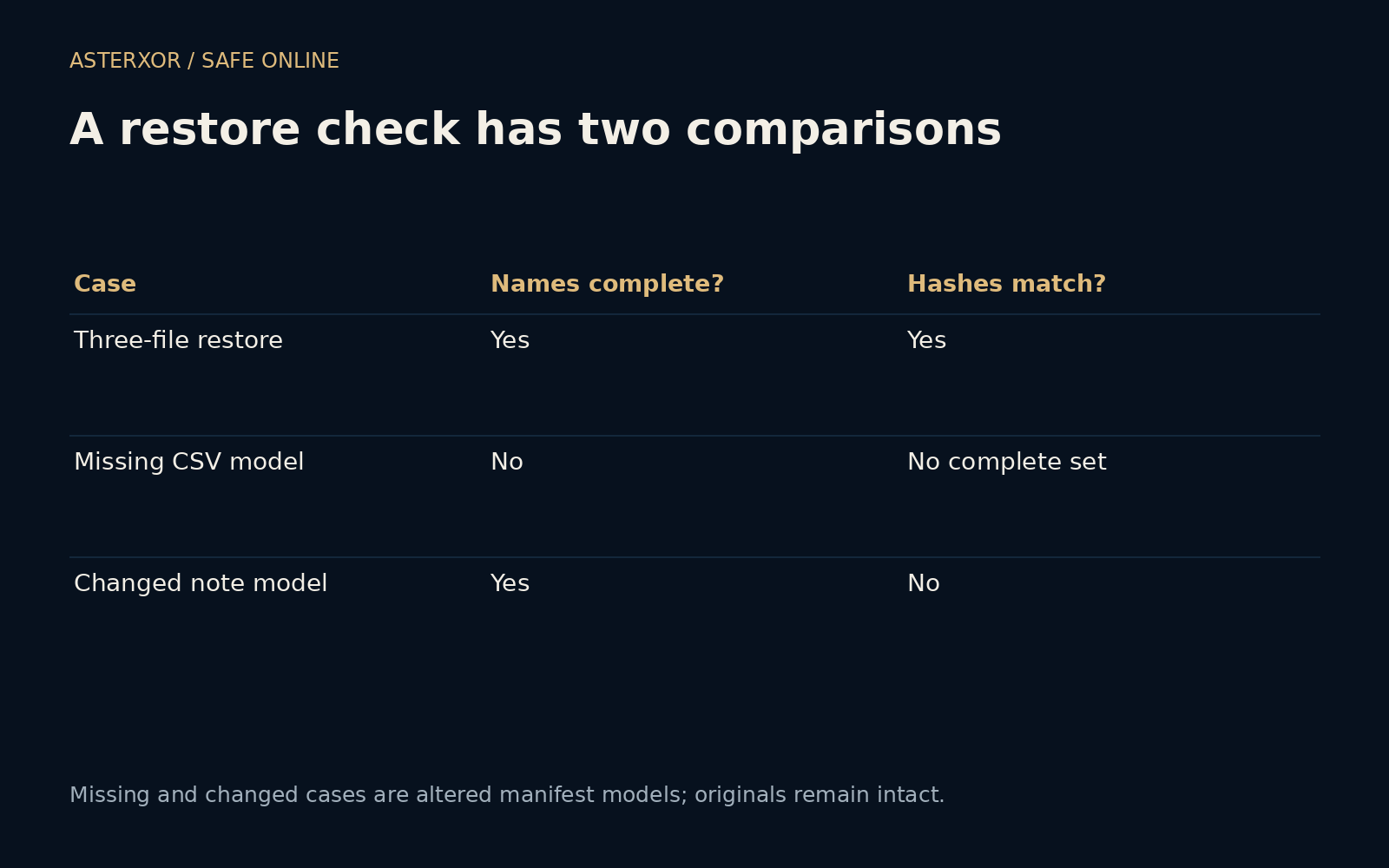
The filename set is important. If you compare only files that happen to exist in the restore folder, a missing file may never enter the comparison. Our expected manifest provides the list to check against. It was created from the intended source sample, so the comparison asks both whether everything selected returned and whether each returned item has the expected bytes.
A controlled failure makes the check more credible
We then make two altered manifest models without changing or deleting the source files. One omits the CSV entry; the other substitutes a digest for changed dummy note content. The comparison identifies the missing table and the different note. These are intentionally constructed failures, not discoveries of a broken backup product or claims about a real incident.
Seeing an expected failure helps establish that the check is capable of noticing the condition it claims to test. A green result is less informative if every possible input would turn green. The five assertions cover the complete restore, its three files, the missing-entry case, the changed-content case and retention of the original fixtures.
Bytes are essential, but usefulness has more layers
Matching bytes do not establish that the original was the right version, that every needed folder was selected or that an application can open the file. A document might depend on fonts or linked assets elsewhere. An archive may require a key. A database may require an application-aware backup rather than a casual copy while it is being written.
Open a few restored files in the intended software when appropriate, inspect their contents and check their dates or version context. For encrypted material, make sure the recovery route includes access to the necessary key without exposing it. Keep that access plan separate enough that losing the normal device does not remove the only way to read the backup.
Set the rehearsal to match the value of the work
A small test does not need to become an elaborate disaster exercise. It can answer one practical question: can I get these selected files back today? More important systems may need broader recovery tests, permissions checks and time targets. The scope should be explicit so a tiny successful sample is not mistaken for a certificate covering an entire organization.
Repeat a suitable check after changing backup software, moving important folders or replacing devices. Note which copy you used and whether the result was current enough. Keep the original until you are confident in the replacement. The most useful outcome is not a perfect score but a recovery process whose steps and limitations you can explain before a problem forces the issue.
Further reading
NIST: Contingency planning guide ↗Python: hashlib ↗CISA: Data backup options ↗Original documentation and useful background.