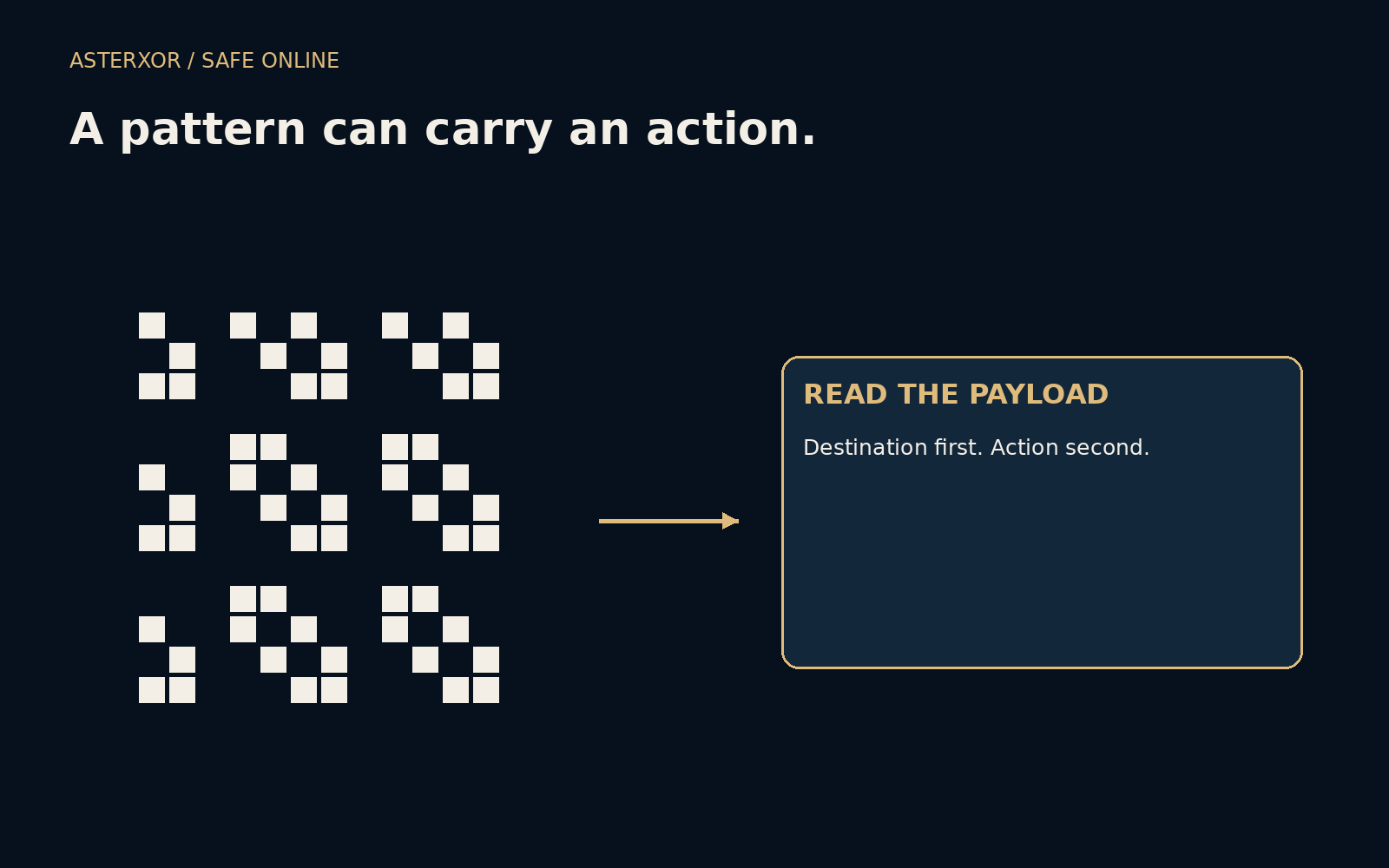
A neat square does not tell you who put it there.
QR codes make a long string easy to move from paper to a phone. That convenience can hide the moment when reading becomes acting. A code might contain a web address, an email action or network configuration rather than ordinary prose. Before accepting the action, give the decoded content the same attention you would give a request written out in full.
Preview the request before you follow the pattern.
The square carries data, not a recommendation
A scanner decodes a pattern into data and may offer to open or act on it. Encoding a destination does not establish who owns that destination or whether the requested action is appropriate. A code on a menu, poster or parcel can be legitimate, but its physical surroundings alone do not authenticate the person who placed it there.
Stickers can cover existing codes, and a message can reproduce the appearance of an official notice. You do not need to become suspicious of every square to acknowledge this. The useful habit is to separate three questions: what was decoded, where the proposed action leads, and whether that action makes sense for the context in which you found it.
Four harmless payloads show four reading tasks
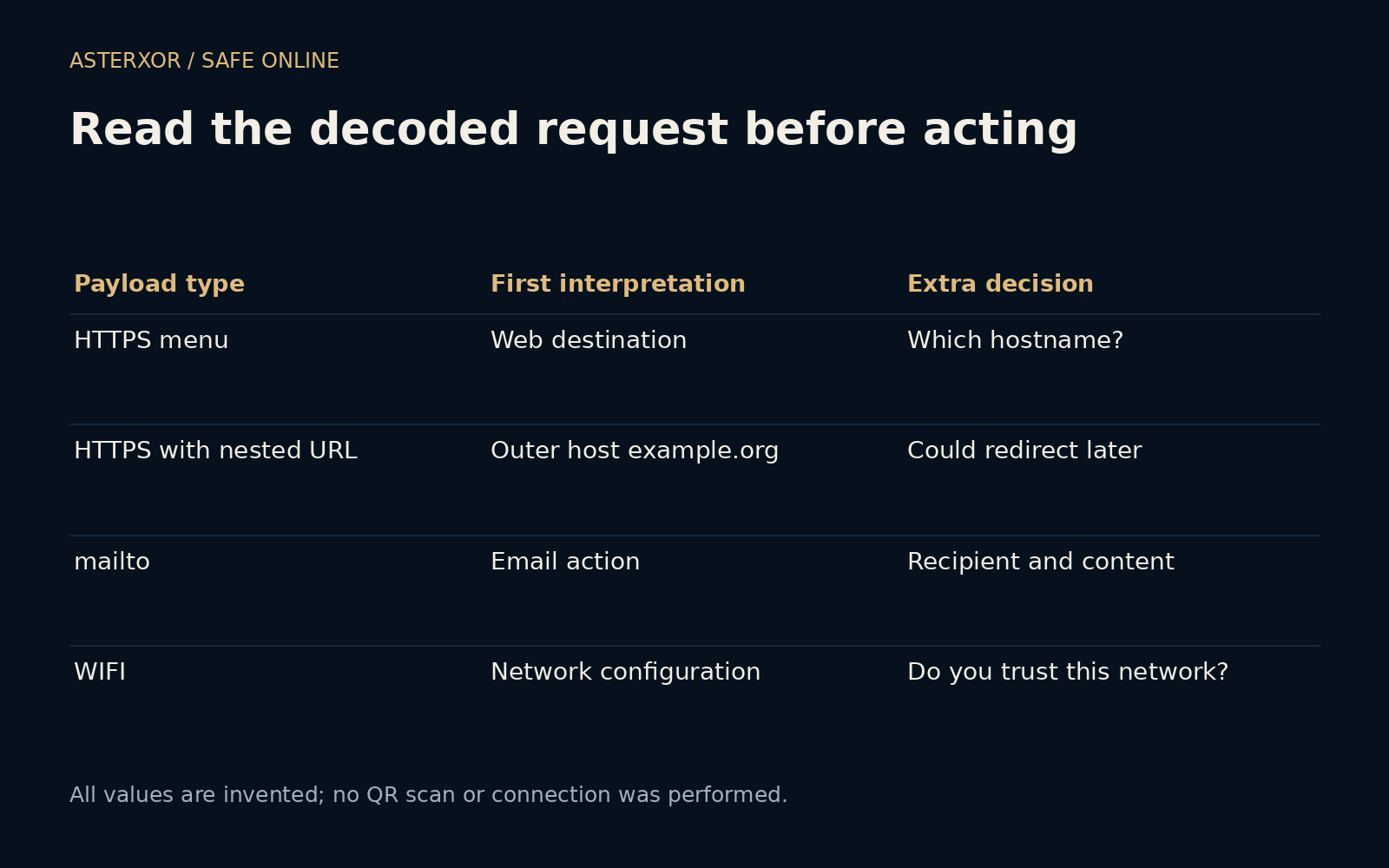
Our local exercise parses four invented strings without generating or scanning a real code. One is an HTTPS menu address at example.com. Another is an example.org address whose query contains an example.com URL. A third begins with mailto, and the fourth is a fictional Wi-Fi configuration string. The cover’s abstract pattern is deliberately not scannable.
The first web string has hostname example.com. The second still has hostname example.org: a familiar address inside its query does not replace the outer destination. The email string proposes an email-related action, and the Wi-Fi string is not an HTTPS link at all. Four checks confirm those distinctions. No page was opened, message composed or network joined.
A preview helps, but it may not reveal the whole journey
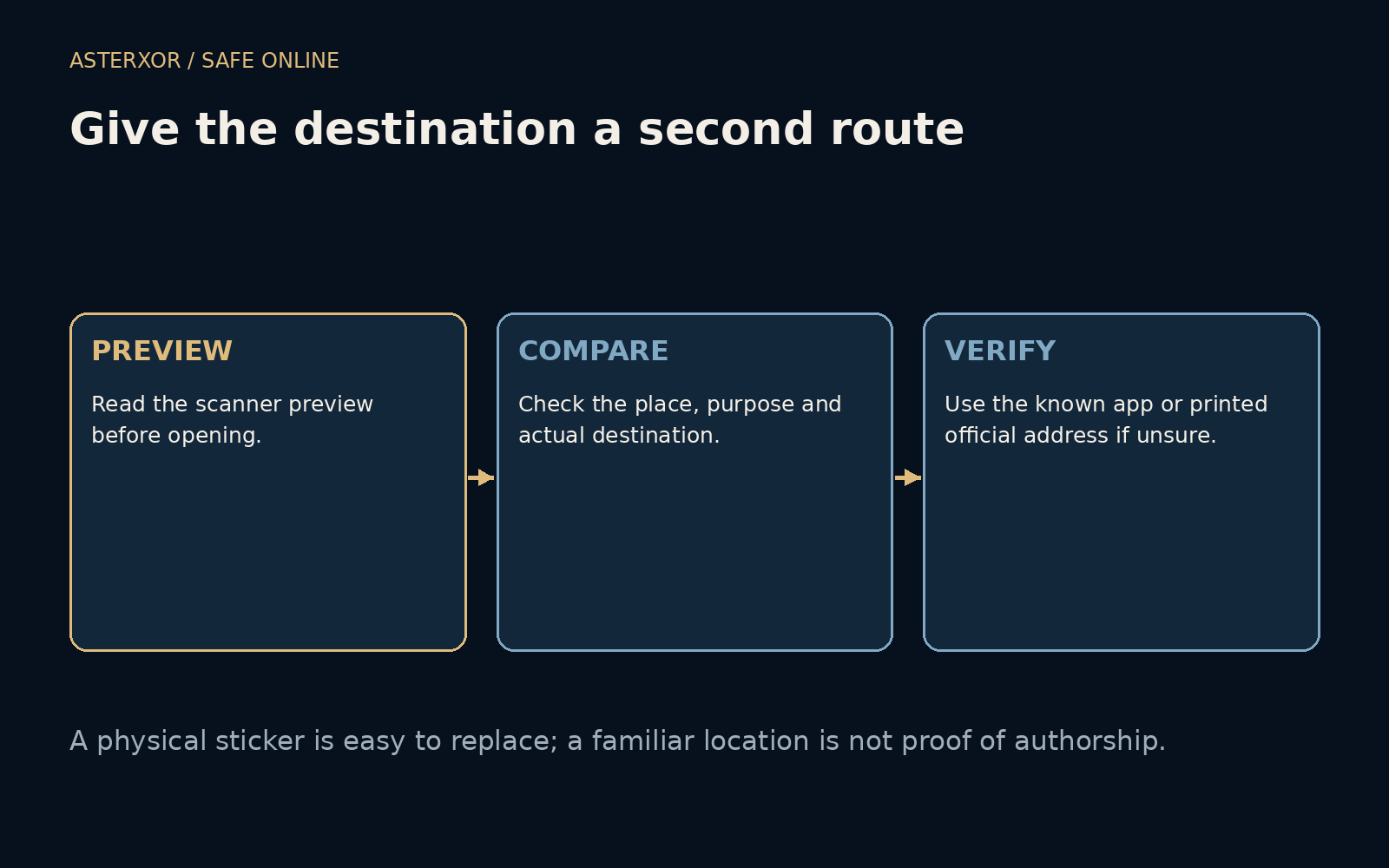
Many scanning interfaces show a destination before opening it. Read that preview rather than tapping by reflex. A shortened link or redirect can lead somewhere different after the first request, so a preview is a useful pause, not a complete account of every later destination. An unfamiliar domain deserves extra care when the next step asks for a login or payment.
If the purpose is simply to view a menu, an immediate demand to install software or provide sensitive information should prompt a second look. Context does not prove maliciousness, but a mismatch between purpose and request is a reason to stop. You can often reach the business through its known website or ask staff for the information directly.
A separate route makes verification easier
For a notice claiming to come from a service you already use, open the usual app or a saved bookmark and look for the same issue there. For a physical location, compare the request with information from staff or a verified official source. Do not rely on a telephone number supplied only by the same questionable sticker or message.
A Wi-Fi payload deserves its own decision about the network. Joining it can affect which network carries your traffic; it is not merely opening a restaurant page. An email action deserves a check of recipient and content before sending. The general principle is to recognize the type of action rather than treating every scan as a harmless web lookup.
Respond to what actually happened
Scanning a code, opening a page, submitting a password and authorizing a payment are different events. If you only reached an unexpected page, stop interacting and close it. If you entered a secret, use the independently reached service to change it and review relevant sessions. If money was involved, contact the payment provider through verified contact details promptly.
Our examples contain reserved domains and visibly dummy network data. They do not teach how to disguise a destination or assess a particular scanner’s safety. The aim is to preserve a small moment of choice between convenience and commitment. A code can save typing without being allowed to make your trust decision for you.
Further reading
FTC: QR codes can hide harmful links ↗IANA: Example domains ↗Python: URL parsing ↗Original documentation and useful background.